
You don't apply.
You get invited.
OneEquip drivers join by invitation from an owner. Once you're on their roster, sign in with your phone number to see your assignments, log your shifts, and keep your certifications on file.
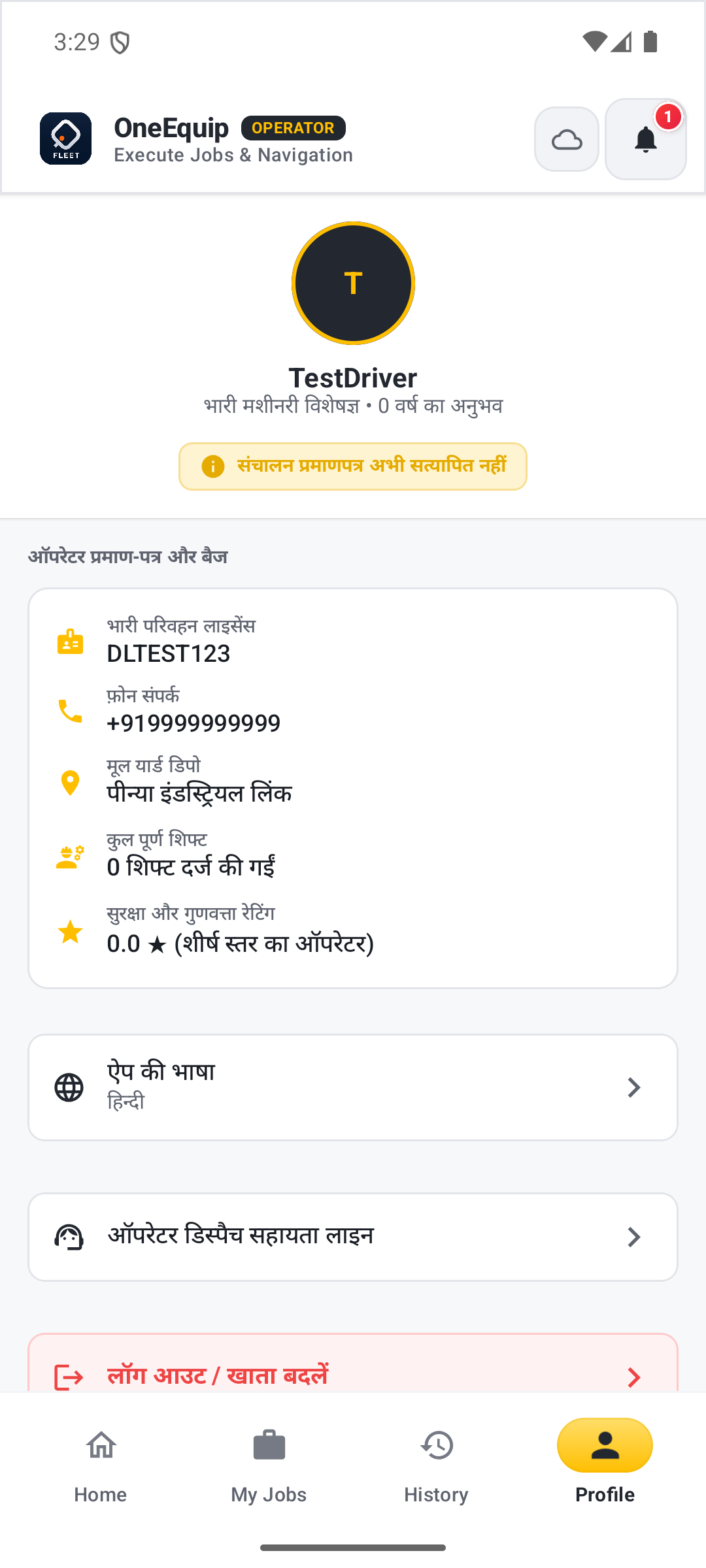
From roster to shift, one app.
No application form — an owner brings you on, and everything else happens in the app.
Get Invited
An owner adds your name, phone number, and heavy transport license number to their driver roster.
Claim Your Account
Sign in to the OneEquip Driver app with that exact phone number and verify with an SMS code.
Go On Duty
Toggle ON DUTY when you're ready to work. An assigned deployment shows the worksite and shift schedule, with a direct call or navigate button.
Log the Shift
Record the hour-meter reading, fuel added, and condition photos to start and complete each job.
Your license and rating travel with you.
Your heavy transport license, certification type, license expiry, and safety rating all live on your profile — visible on every job you're dispatched to.
License type and expiry are tracked on your profile, so you don't re-verify for every job.
Switch the app to Hindi, Kannada, Telugu, Tamil, or Marathi from your profile.
Coverage for drivers while on duty — active automatically for the hours you're logged in on a shift.
Already on an owner's roster?
Sign in to the OneEquip Driver app with the phone number they added.